

MetaTrader 4 Trading Platform

Trade CFDs and forex on MetaTrader 4 (MT4), one of the world's leading platforms.

MetaTrader 4 Trading Platform

Trade CFDs and forex on MetaTrader 4 (MT4), one of the world's leading platforms.

MetaTrader 4 trading platform
Download MetaTrader 4 for WindowsDownload MetaTrader 4 for macOSDownload MetaTrader 4 for Linux

What is MT4?

MetaTrader 4 (MT4), developed by MetaQuotes in 2005, is a trading platform widely used by traders and brokers. It can be downloaded and installed on desktop or mobile devices.

The MT4 platform offers a flexible trading system with market-analysis tools and customisable charts. Its algorithmic automation through Expert Advisors (EAs) lets traders design and implement strategies with greater precision and efficiency.

Designed with a user-friendly interface, MT4 helps new traders quickly understand its comprehensive functionality and access the markets from their home country or while travelling.

Gain an edge in global markets by trading CFDs on MT4 with Cantage today.

Start Trading Now

Start Trading with MetaTrader 4

Powerful Charting on MetaTrader 4

Harness customisable MT4 charting whether you are a beginner or an experienced trader. Use indicators, drawing tools, and multiple timeframes to analyse markets and identify opportunities.

Take your strategy further with MT4’s robust charting features.
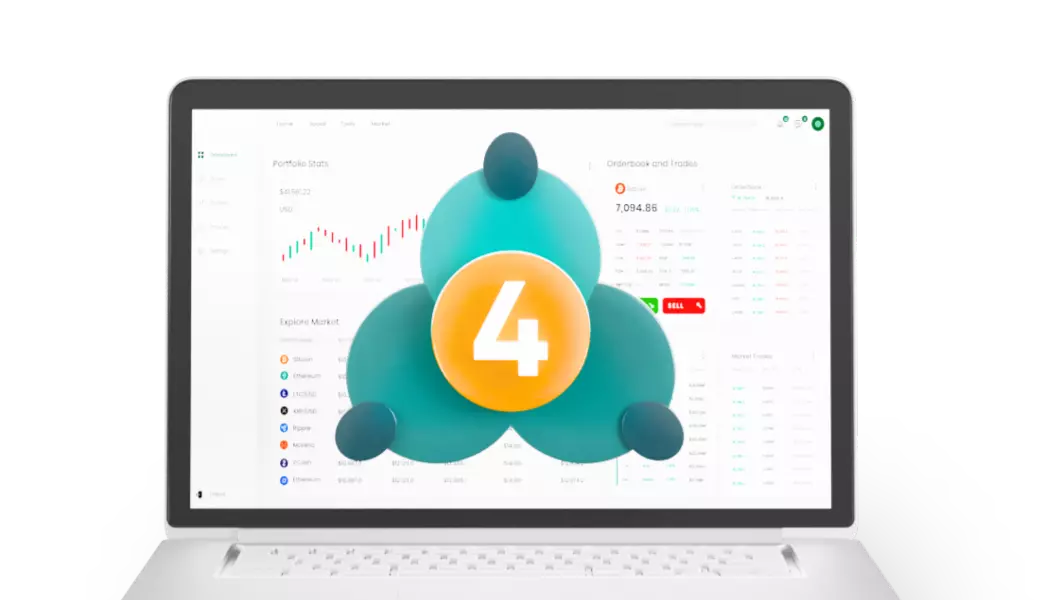
MetaTrader 4 advanced charting tools

Trading on MT4 – Why MetaTrader 4 is Popular

MT4’s user-friendly interface is one of its key strengths. Its intuitive layout welcomes both new and experienced traders.

Access MT4 on desktop through WebTrader or use the mobile app for convenient trading on the go.

Automate Trades with Expert Advisors (EAs)

Automate trades with Expert Advisors on MT4, created and customised around your goals and strategies.

EAs can analyse price data and execute trades from received signals, helping improve analytical and trading efficiency.

Trading Signals in MT4

MT4 trading signals provide real-time alerts that can be used to replicate trades.

Explore free and commercial signals ranked by results to identify potential opportunities and possible entry and exit points.

MetaTrader 4 trading signals

MT4 Download

Start your trading journey hassle-free with these simple steps to download MT4.

  1. 1

    Download MT4 Software

    Open a live or demo account to get the Cantage MetaTrader 4 (MT4) software.

  2. 2

    Run Setup

    Open the MetaTrader 4 setup file and select “Run”.

  3. 3

    Complete Installation

    Allow changes, agree to the Licence Agreement, and choose your settings if needed.

  4. 4

    Finish Installation

    Click “Next” to proceed through the Cantage MT4 Setup. Once the latest version is installed, click “Finish”.

Frequently Asked Questions